




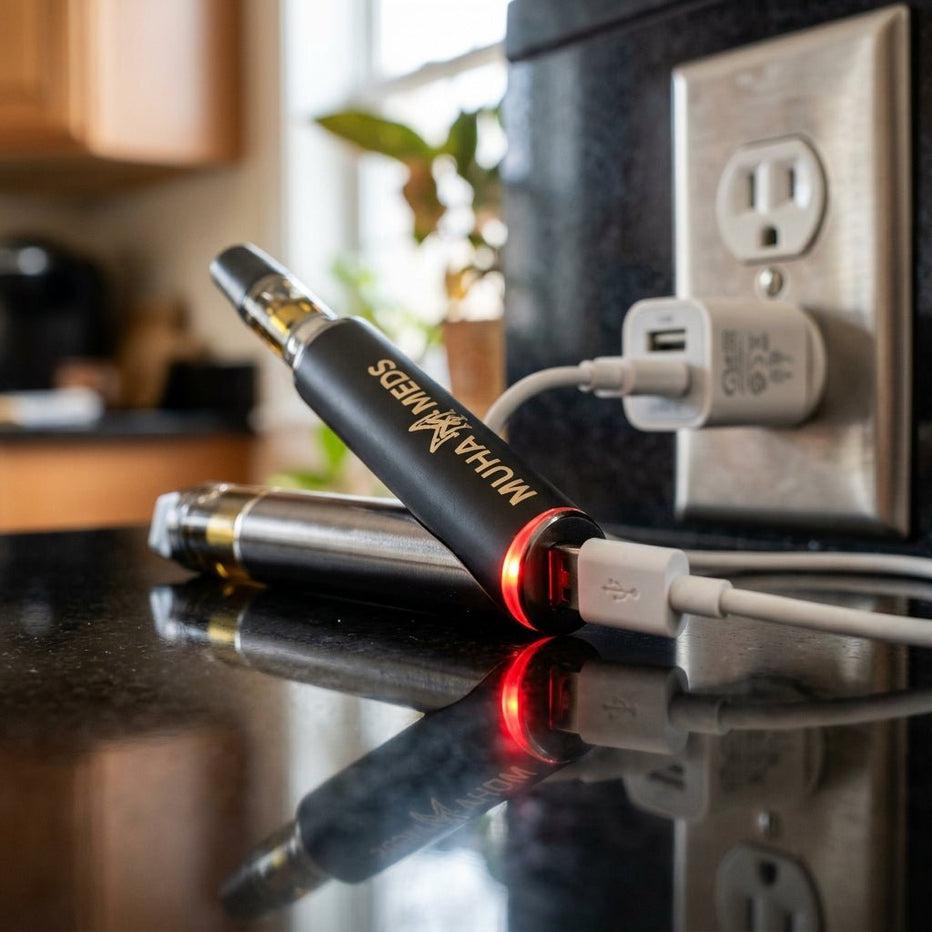
Why does my vape charging light keep flashing? Often, it simply means the device charges normally.
However, a light that flashes nonstop or in a rapid pattern can signal a real problem.
This guide explains what each flash pattern means and how to fix it.
If the device is beyond saving, our shop has replacements ready.
Why Does My Vape Charging Light Keep Flashing? Usually It’s Normal
Most vapes use a small LED to show charging status. A flashing light often means the battery is still filling.
Once charging finishes, the light usually turns solid or switches off.
However, patterns vary by brand, so check the packaging for your device’s specific meaning.
How Indicator Lights Usually Work
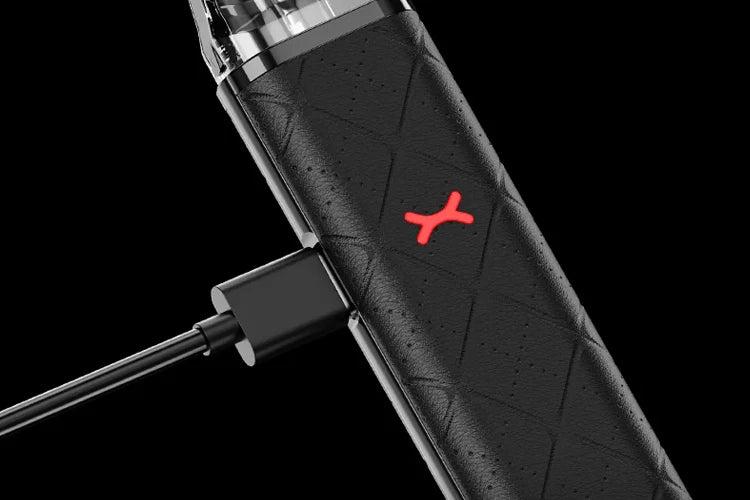
Manufacturers use simple light codes. For example, a slow flash may mean charging.
Meanwhile, a solid light often means the battery is full.
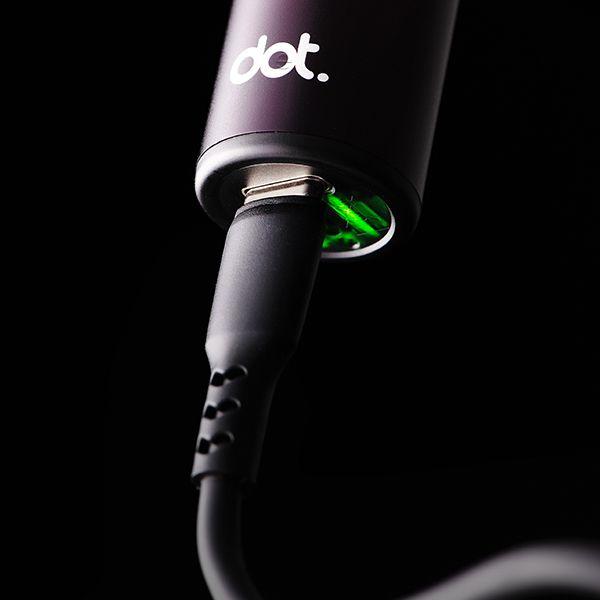
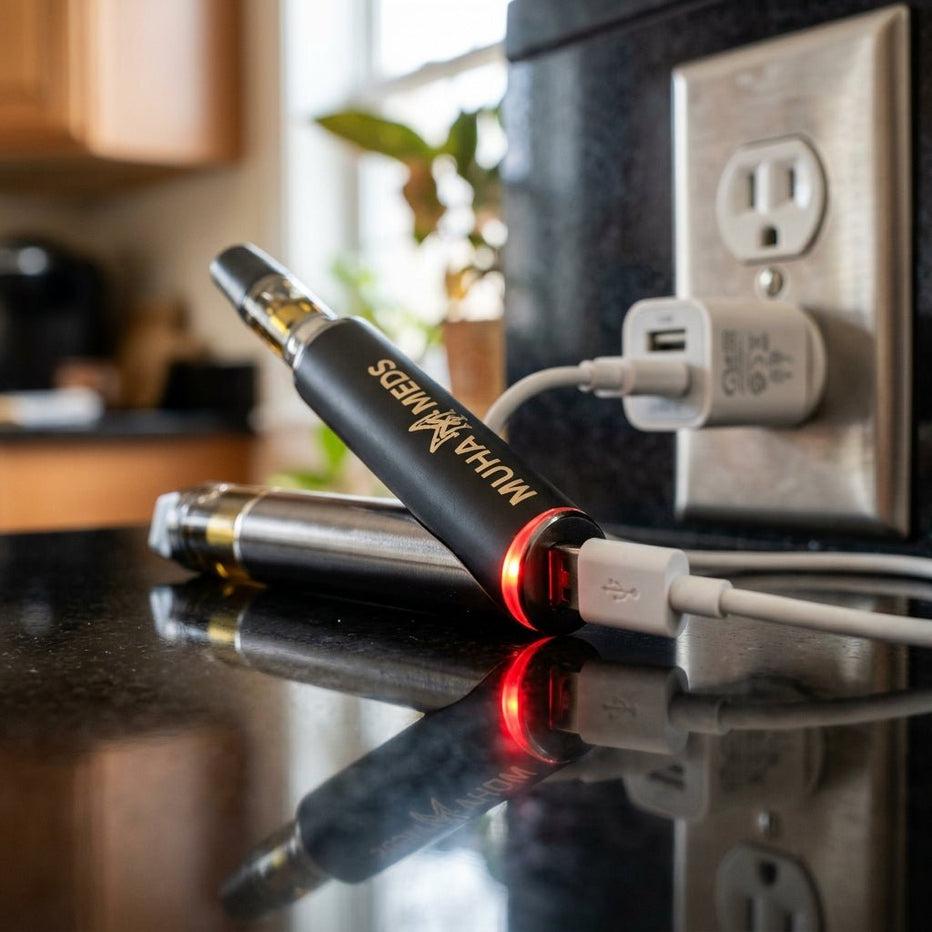
Some devices also use color. On many models, red signals charging while green or white signals a full charge.
Use these patterns as a rough guide:
- Slow flashing while plugged in: normal charging
- Solid light or light off: charging complete
- Rapid flashing: connection or power problem
- Flashing for hours without finishing: possible battery or charger fault
Why Does My Vape Charging Light Keep Flashing Rapidly?
Rapid flashing usually points to a problem rather than normal charging.
In other words, the device may detect a poor connection or an unstable power supply.
As a result, it keeps restarting the charging attempt instead of finishing it.
Many devices also include protection circuits. These circuits pause charging when something looks wrong.
Why a Flashing Charging Light Often Points to the Cable
Cables wear out faster than most people expect.
Therefore, a frayed or bent cable often interrupts power and triggers a flashing light.
Similarly, a charger that outputs the wrong voltage can confuse the charging circuit.
First, try a second cable and a different power source. Next, use the cable that came with your device, or one rated for it.
A Dirty Charging Port Interrupts the Connection
Lint and residue collect inside charging ports, especially in pockets and bags.
As a result, the metal contacts may not touch the cable properly.
Clean the port gently with a dry wooden toothpick while the device stays unplugged.
Never use metal tools or liquids. They can damage the contacts or create a short circuit.
A Worn Battery Can Flash Without Finishing a Charge
Lithium-ion batteries lose capacity with age and heavy use.
Consequently, an old battery may struggle to complete a charge.
If the light flashes for hours without turning solid, the battery may no longer hold power.
In that case, replacing the device is usually the practical fix.
Quick Fixes to Try First
Work through these steps in order before assuming the device is finished:
- Try a different cable and power source
- Clean the charging port with a dry toothpick
- Unplug the device, wait a few minutes, then reconnect it
- Charge at room temperature, away from heat
- Check the packaging for the light pattern’s meaning
- Replace the device if flashing continues for hours
When a Flashing Charging Light Signals a Safety Problem
Stop charging immediately if the device feels hot, swells, or smells unusual.
The Consumer Product Safety Commission identifies damaged lithium-ion batteries as a known overheating risk.
Therefore, unplug the device, move it onto a non-flammable surface, and stop using it.
How to Prevent Charging Problems
Good habits prevent most charging issues.
For example, stay nearby while the device charges so you can catch problems early. Also unplug it once the light shows a full charge.
Follow these habits to protect the battery:
- Use the original cable or a matching one
- Charge on a flat, non-flammable surface
- Keep the charging port clean and dry
- Avoid charging in hot cars or direct sunlight
- Replace worn cables before they fail
Frequently Asked Questions
Is a flashing light while charging normal?
Often, yes. Many devices flash during charging, then turn solid or switch off when finished.
How long should the light flash before I worry?
If it flashes well beyond the device’s normal charging time, something is likely wrong.
Can the wrong charger cause flashing?
Yes. A mismatched charger can supply the wrong voltage and disrupt the charging process.
Still seeing a flashing light that won’t stop? Get in touch with our team and we’ll help you sort it out.


Leave a comment